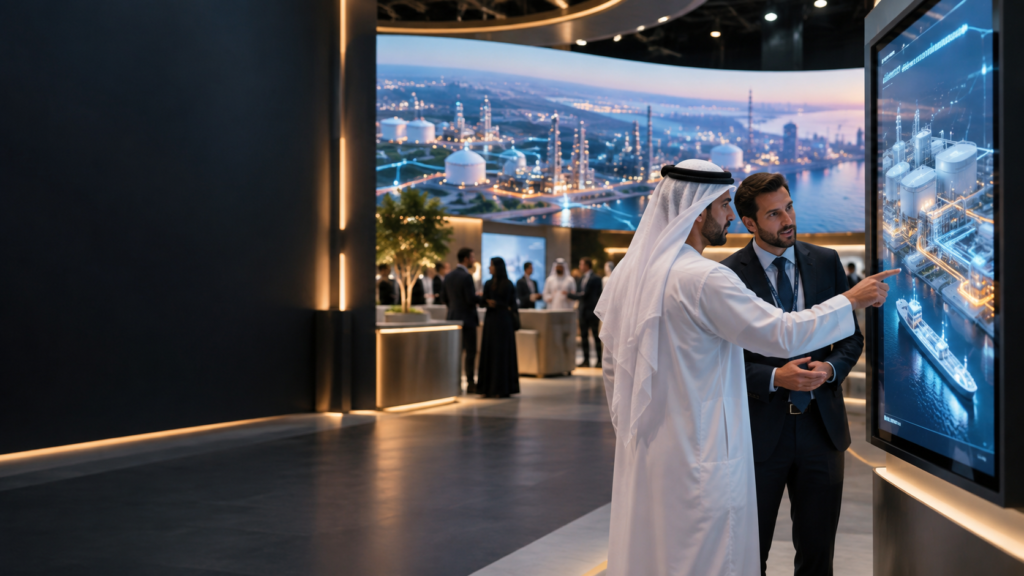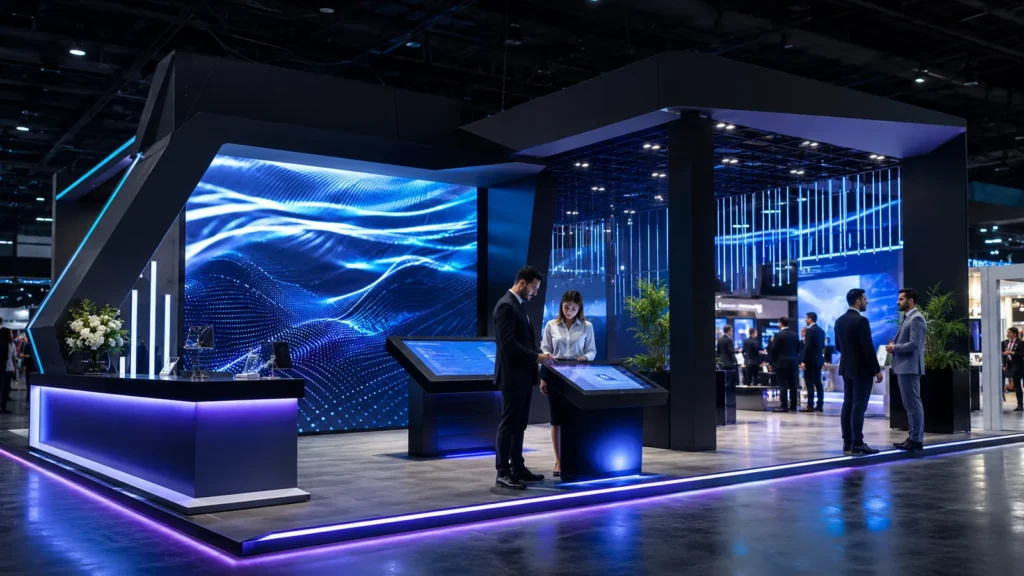
The touchscreen is booked. The stand design is approved. Then someone asks: “What are visitors actually going to do on the screen?”
It is a small question that can change the whole experience.
Exhibition touchscreen content in Dubai can help visitors browse a product range, understand a technical solution, compare options or request a follow-up. But it needs to be designed for the way people behave at a busy stand: short visits, divided attention and very little patience for complicated navigation.
If your current plan is to open a PDF or play a company video, there may be a more useful way to present the same material.
Stedder Technology develops immersive content and interactive experiences for brands and agencies across the UAE. This guide explains what to put on an exhibition touchscreen, what to prepare and how to connect the interaction with a useful sales conversation.
What is exhibition touchscreen content?
Exhibition touchscreen content is a touch-enabled application that lets visitors explore information on a display or kiosk. It can include product catalogues, interactive presentations, 3D demonstrations, comparison tools and enquiry forms.
Unlike a video that plays in a fixed sequence, an interactive application allows visitors to choose what matters to them. A buyer interested in one product category can go straight to it, while a sales representative can use the same screen to explain a different solution.
The application, screen and operating setup need to be planned together. A touchscreen alone does not make an ordinary presentation interactive.
Which touchscreen experience fits your stand?
Start with the conversation your team wants to have.
| Your stand requirement | A suitable content format | What the visitor can do |
|---|---|---|
| Present a large product range | Interactive product catalogue | Browse categories and open relevant product information |
| Explain a product that cannot be brought to the venue | Interactive 3D product demo | Explore a digital model and select features |
| Help buyers choose between solutions | Product selector or comparison tool | Answer questions or compare selected specifications |
| Present different business divisions | Interactive company presentation | Choose the sector, service or application that interests them |
| Collect relevant enquiries | Lead capture application | Request information about a selected product or service |
You do not need every feature in one application. A clear catalogue with a useful enquiry step may do more for your stand than a complicated experience visitors struggle to understand.
For the wider stand strategy, read our guide to interactive exhibition stands in Dubai and lead generation.
Turn your product catalogue into something visitors can explore
A PDF can be a useful source document. It is rarely the best finished interface for a large touchscreen.
Small text, long pages and unfamiliar navigation can make visitors work too hard to find a simple answer. An interactive product catalogue reorganises that information around the questions buyers ask.
For example:
- Which product category is relevant to my business?
- What does this model do?
- Which specifications should I compare?
- Where is it used?
- How can I request more information?
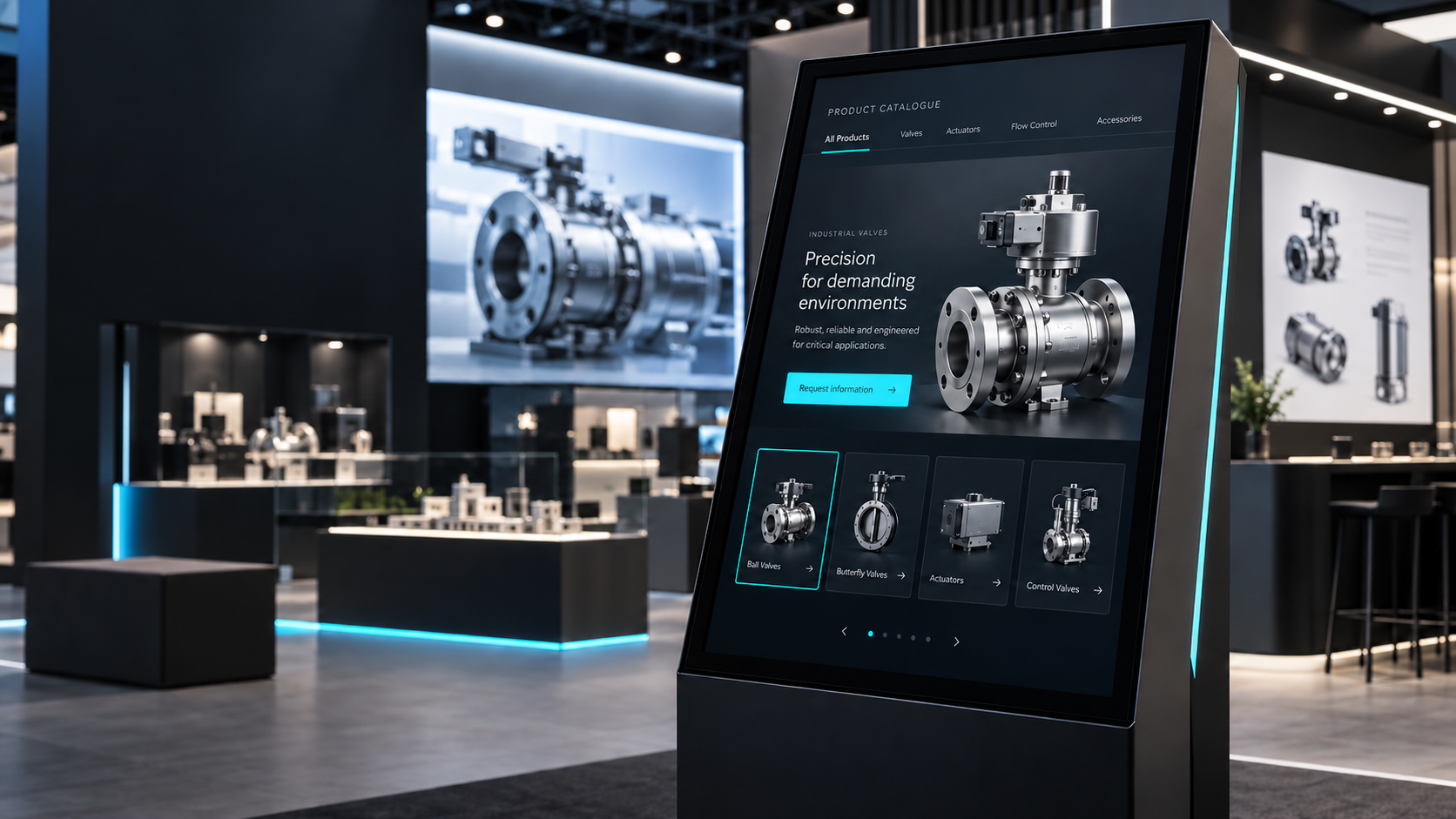
A straightforward catalogue might open with product categories, followed by product cards and individual detail pages. Each page can include approved images, key specifications, a short video and a clear enquiry option.
The important work is deciding what belongs on the screen and what can be left for a downloadable document or follow-up conversation.
Explain products that are difficult to display physically
Some products are too large, too heavy or too complex to bring to an exhibition.
An interactive 3D demo can help explain their form, components or operation without requiring the complete physical product on the stand. Visitors might rotate a model, select a component or move between different views.
However, a rotating model is only useful if it answers a question.
For an industrial product, that could mean showing where a component sits and what it does. For a building solution, it might mean revealing different layers. For a technical service, a guided animation may explain the process more clearly than a freely navigable 3D scene.
Existing CAD files can provide a starting point, but they may need preparation for real-time use. Model complexity, materials, animation and the computer running the application all affect the final experience.
Our immersive content production services bring together visual storytelling, animation and interactive content around the intended display and environment.
Build lead capture around the visitor’s interest
A touchscreen can collect contact details. The more useful question is whether those details will help your sales team follow up.
A form containing only a name and email address may tell you very little. An enquiry connected to the product a visitor explored gives the next conversation more context.
A simple journey could be:
- The visitor selects a product category.
- They explore a relevant product or solution.
- They choose “Request information” or “Speak to our team.”
- They submit the necessary contact details.
- The enquiry records their selected interest for follow-up.
Keep the form short. Explain what the visitor is requesting and how their information will be used.
If you need CRM integration, define the destination system, required fields and access arrangements before development. A spreadsheet export and a live CRM connection are different scopes of work.
Can the application work without exhibition Wi-Fi?
Yes. Many exhibition touchscreen applications can be designed to run locally, including product browsing, videos and prepared interactive demonstrations.
Features such as sending an email, opening a live website or synchronising enquiries with an external system need connectivity at the relevant stage.
Where appropriate, lead capture can be designed to store submissions locally and export or synchronise them later. That workflow needs to be agreed and tested, including how the data is protected and what happens if a transfer fails.
Decide which functions must work offline before approving the application. It is much easier to plan for an unreliable connection than to redesign the experience during installation.
Match the content to the screen you have booked
Before interface design begins, confirm the actual equipment.
The development team needs to know:
- Screen resolution and landscape or portrait orientation
- Touchscreen model and supported touch connection
- Computer or playback device specifications
- Operating system
- Number of screens and whether they share the same application
- Mounting position and visitor access
- Network requirements
A display can show a picture without its touch function being connected. Video output and touch input are separate parts of the setup and both need testing.
The interface also needs to suit the physical installation. Buttons should be easy to reach, text should be readable and the navigation should work comfortably from the visitor’s position.
Need the touchscreen and installation too?
AVRIX provides touchscreen, kiosk and AV rental support in Dubai and across the UAE, including equipment, installation and technical operations.
Stedder can coordinate the interactive content alongside the hardware requirement. Sharing the screen specifications early helps align the application, playback device and installation before the stand opens.
If equipment is already booked through your stand contractor, send its specifications so compatibility can be reviewed.
What should you prepare before requesting a quotation?
You do not need a finished technical brief. You do need a clear starting point.
Share the following:
| Information | Why it matters |
|---|---|
| Exhibition name, venue and dates | Establishes the delivery schedule and installation context |
| Main objective | Defines whether the application should explain, compare, demonstrate or capture enquiries |
| Product catalogue or company presentation | Shows the available content and how much restructuring is needed |
| Brand guidelines | Guides colours, typography and interface design |
| Product images, videos and specifications | Identifies usable assets and missing material |
| CAD or 3D files, if relevant | Helps assess the work required for interactive models |
| Screen and computer specifications | Allows hardware and software compatibility to be reviewed |
| Required languages | Defines translation and layout requirements |
| Lead fields and export requirements | Establishes the enquiry workflow |
| Budget range and approval contact | Helps shape a realistic scope and review process |
It also helps to nominate one person to approve product information and consolidate feedback. Conflicting revisions can slow production more than the technical work itself.
How much does exhibition touchscreen content cost?
There is no single useful price for every touchscreen application.
A catalogue built from approved images and text has a different scope from a custom 3D configurator with multilingual content and CRM integration.
The main cost factors include:
- Number of products, pages and content categories
- Quality and completeness of supplied assets
- Interface design and branding requirements
- Animation or 3D production
- Selection, comparison or configuration logic
- Lead capture and external integrations
- Language versions
- Number of devices and deployment requirements
- Testing, installation and on-site support
- Delivery schedule and revision scope
For a relevant estimate, share your catalogue, event date and screen specification together. Those three items make the initial discussion much more productive.
What if the exhibition is approaching?
Start with the smallest experience that supports your main sales objective.
That might be an opening screen, a few priority product categories, selected product pages and a clear enquiry option. Additional features should earn their place by helping visitors or the stand team.
For a shorter production window:
- Prioritise the products you actually want to discuss.
- Use approved assets wherever possible.
- Confirm hardware before design progresses.
- Agree a content approval deadline.
- Keep feedback with one decision-maker.
- Allow time to test the complete application on the intended equipment.
Delivery feasibility depends on the scope, available assets and event date. Custom 3D production or external integrations need to be assessed before a timeline is confirmed.
Test the full journey before the stand opens
Opening the application is only the first check.
Ask someone unfamiliar with the project to use it. Can they understand the starting screen, find a product and complete the next step without coaching?
Then test the operating details:
- Every button, video and product page
- Touch accuracy and responsiveness
- Readability on the actual screen
- Offline behaviour where required
- Form validation and enquiry storage
- Data export or synchronisation
- Return-to-home and inactivity reset
- Restart after the computer or application closes
Brief the stand team too. They should know how to introduce the application, guide a buyer and access the enquiries afterwards.
For broader experience planning, explore Stedder’s immersive and interactive solutions.
Already booked your exhibition touchscreen?
You can start with the material you already have.
Send Stedder your product catalogue or presentation, screen specifications, exhibition date and the action you want visitors to take. We can review the brief and discuss an interactive format that fits your content, equipment and available production window.
If you also need rental hardware and installation, include that in the same enquiry so the content and AV requirements can be planned together.
Discuss your exhibition touchscreen content with Stedder or email hello@stedder.com.
Frequently asked questions
Can you turn our PDF catalogue into a touchscreen application?
A PDF catalogue can provide the source material for an interactive application. The content is reorganised into touch-friendly categories and product pages rather than simply displayed as a long document. The scope depends on the catalogue size and available assets.
Can the application run on a touchscreen we have already rented?
Potentially, yes. Share the screen model, resolution, orientation, operating system and connected computer specifications. Compatibility should be checked before development and tested on the intended setup.
Can an exhibition touchscreen application work offline?
Many catalogue, video and prepared demo functions can run locally. Email delivery, live web content and external synchronisation require connectivity. Offline enquiry storage and later export can be scoped where appropriate.
Can the application capture leads?
Yes, lead capture can be included in the agreed scope. It can record contact details alongside the visitor’s selected product or service. Required fields, consent wording, storage and export arrangements should be defined before production.
Can the content include English and Arabic?
A multilingual interface can be scoped. Arabic needs appropriate right-to-left layouts, suitable typography and approved translations, followed by testing of each language version.
How long does custom touchscreen content take to develop?
The timeline depends on the application’s complexity, asset readiness, integrations and approval process. Share the event date and source content at the start so feasibility and milestones can be assessed.
Can Stedder arrange touchscreen rental and installation?
Hardware and technical support can be coordinated through AVRIX, Stedder’s AV rental division. Include the venue, dates, screen quantity and installation requirements in your enquiry.